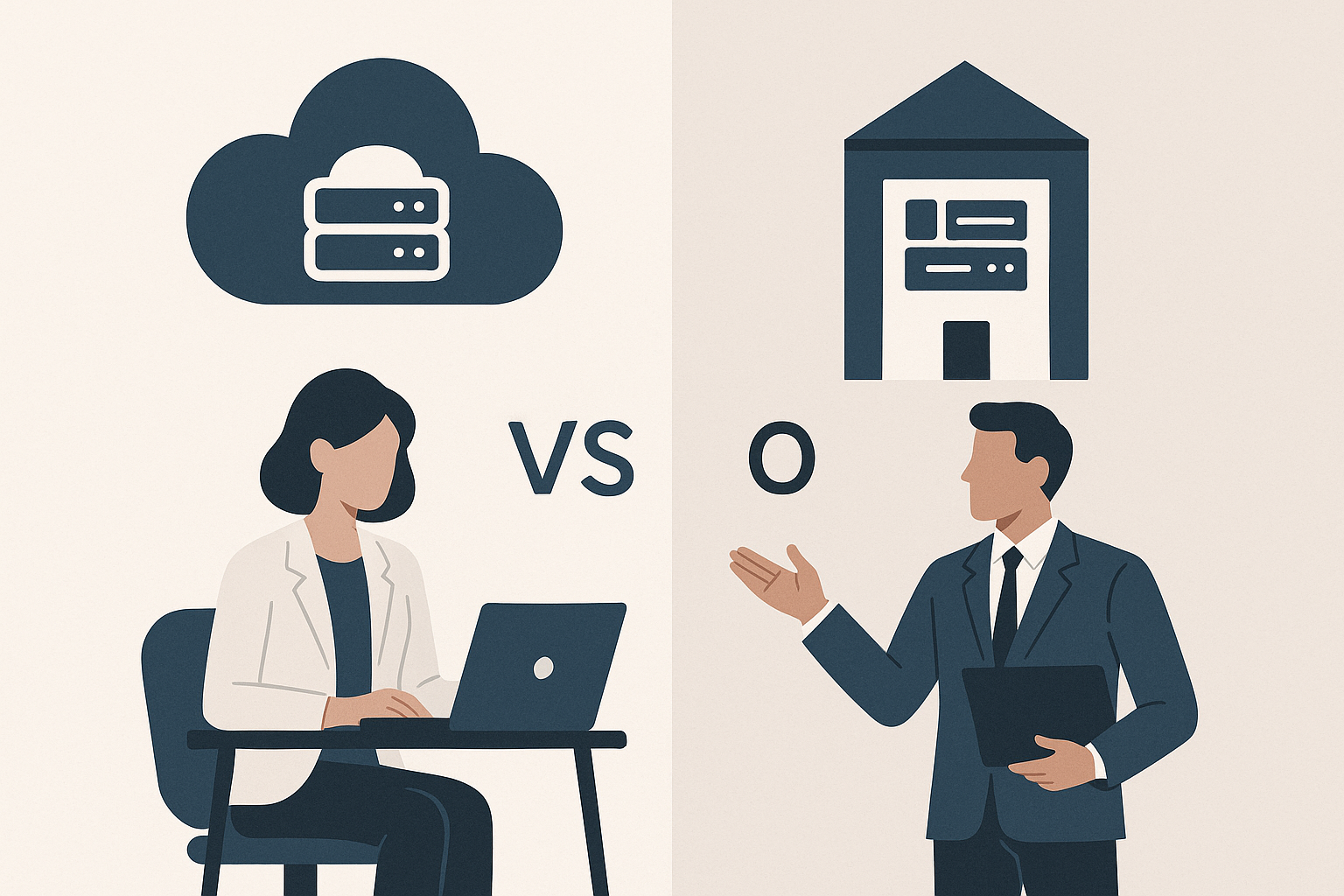
SaaS vs On-Premise: Which Is Better for Your Business
Most buyers assume SaaS is always cheaper than running software on-premise. The real picture is more complicated: depending on your team size, compliance requirements, and how long you plan to use the software, on-premise can actually cost less over a ten-year horizon. Knowing which model fits your situation requires looking at specifics, not defaults.
What Each Deployment Model Actually Means
SaaS (Software as a Service) delivers an application through a web browser. The vendor hosts the infrastructure, handles updates, and manages security patches. You pay a subscription, typically monthly or annually, and your team logs in from wherever they have an internet connection. According to AWS, SaaS is a cloud-based software model that delivers applications to end users through an internet browser, which means your IT team is not responsible for server maintenance or database administration.
On-premise software runs on servers your organization owns or leases, inside your own data center or a colocation facility. Your IT team installs, configures, and maintains the system. You buy a license upfront (or a perpetual license with annual maintenance fees), and the software stays under your direct control. This matters more than many buyers initially realize, especially once compliance requirements enter the picture.
A third option sits between these two: self-hosted software, where you run open-source or commercially licensed software on cloud infrastructure you control (your own AWS, Azure, or GCP environment). This hybrid path is worth mentioning because it is often confused with true on-premise deployment. They have different cost structures and different risk profiles.
Understanding Data Sovereignty and Compliance in SaaS vs. On-Premise Deployments
This is the gap that most comparison articles skip past, and it is the one that kills SaaS deals in regulated industries. Data sovereignty refers to the legal principle that data is subject to the laws of the country where it is physically stored. If your SaaS vendor stores data in US-based servers and you operate in the European Union, you may face conflicts with GDPR. If you handle defense contracts, ITAR or CMMC requirements may restrict where data lives entirely.
On-premise deployment gives you precise control over data residency. You know exactly which physical machines hold your data, where those machines are located, and who can access them. For organizations subject to HIPAA, FedRAMP, SOC 2 Type II audits, or sector-specific financial regulations, this level of control is not optional. It is a compliance requirement.
SaaS vendors have responded to this pressure. Many enterprise-grade SaaS platforms now offer regional data residency options, dedicated tenancy, and compliance certifications. But these features typically come at a higher price tier, and you are still dependent on the vendor's audit practices and breach disclosure policies. Before selecting a SaaS product for a regulated environment, demand the vendor's current compliance certifications in writing, ask which specific data center regions your data will occupy, and verify that your contractual SLA addresses breach notification timelines.
On-premise is not automatically more secure, to be clear. Many breaches originate from poorly patched internal servers, not vendor-side failures. But on-premise does give your security team direct control over patching schedules, network segmentation, and access logs. That control is genuinely valuable if you have the staff to use it responsibly.
Total Cost of Ownership: A Long-Term Perspective on SaaS and On-Premise Solutions
Year one costs almost always favor SaaS. No hardware purchase, no implementation team to hire, no lengthy rollout. TechTarget notes that SaaS ERP systems are often ready to go live in three to six months, compared to twelve to twenty-four months for complex on-premise ERP deployments. That speed advantage has real dollar value: faster time to productivity, lower implementation consulting fees, and reduced internal project management overhead.
The math shifts over longer time horizons. SaaS subscription fees are recurring. A platform that costs $50,000 per year costs $500,000 over a decade, before price increases (which are common). An on-premise license for comparable functionality might cost $200,000 upfront with $30,000 in annual maintenance, totaling $500,000 over the same period, but that figure includes hardware refresh cycles, internal IT labor, and infrastructure costs. The breakeven point varies by vendor, seat count, and your existing infrastructure, but the common assumption that SaaS is always cheaper long-term is often wrong for large deployments.
Build a five-year total cost of ownership model before you commit. Include SaaS: subscription fees, per-user costs, storage overages, premium support tiers, and expected annual price increases (typically 3 to 8 percent annually). Include on-premise: license fees, server hardware, network infrastructure, backup systems, internal IT labor allocated to the system, and third-party support contracts. The vendor's sales team will not build this model for you accurately. Your finance team or an independent consultant should.
Case Studies: Successful Transitions Between SaaS and On-Premise Models
Organizations move in both directions. The common narrative is the migration from on-premise to SaaS, but the reverse happens, particularly when organizations discover that SaaS costs have scaled faster than their user base or that vendor lock-in has become operationally risky.
One well-documented example is Dropbox, which famously moved a significant portion of its infrastructure off AWS and onto custom-built on-premise hardware between 2015 and 2016. The company reported saving approximately $75 million over two years as a result. Dropbox had reached a scale where the economics justified the capital expenditure and the engineering investment. This is not a path for a 50-person company, but it illustrates that the SaaS-to-on-premise migration is a real, financially motivated decision, not a step backward.
Going the other direction, many mid-market manufacturers have moved from on-premise ERP systems (often aging SAP or Oracle installs) to cloud ERP platforms. The motivating factors are usually the same: aging hardware that needs replacement anyway, internal IT teams too stretched to manage complex on-premise upgrades, and the availability of mobile access for field teams. As noted by Deltek, SaaS ERP solutions can be accessed from anywhere with an internet connection, which makes them practical for businesses managing distributed or remote operations. For these organizations, the transition cost was justified by the reduction in internal IT burden and the improvement in remote accessibility.
The lesson from both cases: the transition decision should be driven by current operational costs, team capacity, and a realistic five-year forecast, not by a general preference for one model over the other.
How to Choose: A Practical Decision Framework
Start with your compliance requirements. If data sovereignty rules out certain vendor configurations, that eliminates options before you evaluate features. Next, assess your internal IT capacity honestly. On-premise deployments require skilled administrators. If your IT team is already stretched, adding infrastructure management is a risk, not a cost saving.
As N-iX summarizes, SaaS solutions allow for scalability, cost-efficiency, and flexibility, while on-premises software provides better customization and control. That tradeoff holds true in practice. If your workflows are reasonably standard and you do not need deep system customization, SaaS reduces complexity and maintenance overhead. If your processes are specialized enough that out-of-the-box software requires extensive modification to fit, on-premise (or a self-hosted open-source alternative) may serve you better long-term.
Consider your growth trajectory. SaaS scales user seats without infrastructure changes, which is a real operational advantage during rapid headcount growth. On-premise scales by adding hardware, which takes planning time and capital. If you expect significant growth in the next three years, that flexibility has tangible value.
The right answer is not the same for every organization. A 20-person startup with no compliance requirements and no dedicated IT staff should almost certainly use SaaS. A 500-person financial services firm with strict data residency requirements and a mature IT team may find on-premise or self-hosted infrastructure cheaper, more controllable, and better aligned with regulatory obligations. Audit your own situation before you adopt anyone's general recommendation, including this one.